
 Amelabs Docs
Blocks and Elements
Images
Images can be embedded either via the image or the figure directive.
The image directive embeds the image without any captioning, but it also allows styling with the height, width, scale, and align variables. You can also add an alternative text with the alt variable, which improves accessibility.
.. image:: /_static/images/hello-world.png
  :width: 50%
  :align: left
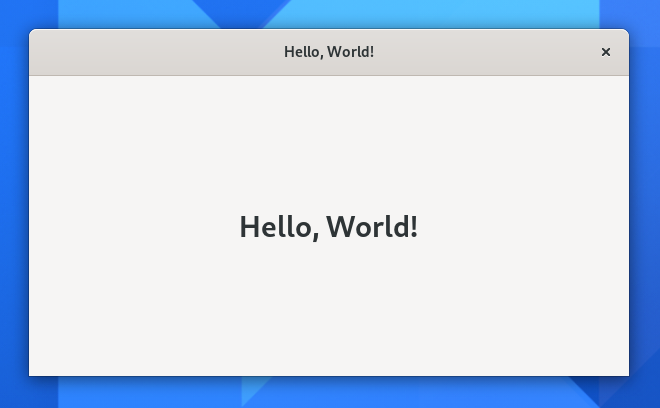
:align: has three possible values: left, right and center.
Caution
The :align: left and :align: right values will flow the text around the image.
To avoid content wrapping around the image, you need to use the rst-class directive. The content below this block will be placed below the image regardless of how much content above this line floated next to the image.
.. rst-class:: clear-both
You can also make the image link to an internal page, giving it a referene-point, or to an external page via a link using the :target: variable.
Inline elements
This includes but is not limited to:
Code |
Preview |
|---|---|
*italic*
|
italic |
**bold**
|
bold |
`citation`
|
citation |
`link <#>`_
|
For a full list of inline stylings visit the Sphinx rST documentation
Lists
Lists can be either ordered or unordered. Unordered lists use the star (*) character, while ordered lists use the pound character followed by a dot (#.):
* unordered list-item

* unordered list-item


#. ordered list-item

#. ordered list-item
Warning
Lists inside lists must be separated by empty lines from its parent list and must use the same indentation level as where the text starts.
Unordered lists * list-item need two spaces for indentation to match the text:
* list-item

* list-item

  * list-item

  * list-item

* list-item
Ordered lists #. list-item need three spaces:
#. list-item

#. list-item

   #. list-item

   #. list-item

#. list-item
You can combine unordered and ordered lists, but you will need to match the indentation of each node separately:
#. list-item

#. list-item

   * list-item

     #. list-item

     #. list-item

   * list-item

#. list-item
Otherwise the child nodes will be rendered as quotation blocks, with the list being inside them.
Quote blocks
Simply indent the paragraph and it will make it a quote block
Like so.
Paragraph

  Quoted paragraph
Definitions
- Definitions
Definitions are simple paragraphs with the following paragraph being indented immediately after, without any empty line.
Definition
  Explanation and details
Info-boxes
Many of the info-boxes are simple directives without any arguments. They are:
Note
This is a
.. note::blockImportant
This is an
.. important::blockWarning
This is a
.. warning::blockCaution
This is a
.. caution::blockTip
This is a
.. tip::blockHint
This is a
.. hint::blockSee also
This is a
.. seealso::block