
 Amelabs Docs
CSS Classes
It is possible to assign custom CSS classes to content. It will add the given classes to the following content’s parent element. While the structure of the content still remains limited, adhering to the standard of Sphinx’s content generator, it makes it possible to include custom CSS Flex or CSS Grid elements with ease.
You can add them to your page via the cssclass directive, like so:
.. cssclass:: CLASSNAME

  STYLED-CONTENT

content outside the directive
Note
You can use multiple classes with the directive:
.. cssclass:: CLASSNAME-1 CLASSNAME-2
It can be useful for having different themes or versions of the same content class. Use as directed by their designer.
Important
There must be an empty line between the directive and the content, and the class will only be assigned to content intended below the block.
Caution
The contents of these cssclass directives can be anything, but they must reference valid CSS classes[1] and the content structure must be compatible with the CSS formattings added to them, otherwise the styling of them will break.
So it’s best to use them as they were intended by the designer.
The default classes recognised by this theme are:
- tiled-toc
A list or table of content in a grid-like pattern
More can be added via CSS
tiled-toc
.. cssclass:: tiled-toc

  * List items in a

  * Grid-like layout/pattern

  * .. note::

      Useful for visual improvements

  * .. note::

      As it can include many standard contents

  * .. figure:: /_static/images/hello-world.png

      As well as images and captions
List items in a
Grid-like layout/pattern
Note
Useful for visual improvements
Note
As it can include many standard contents
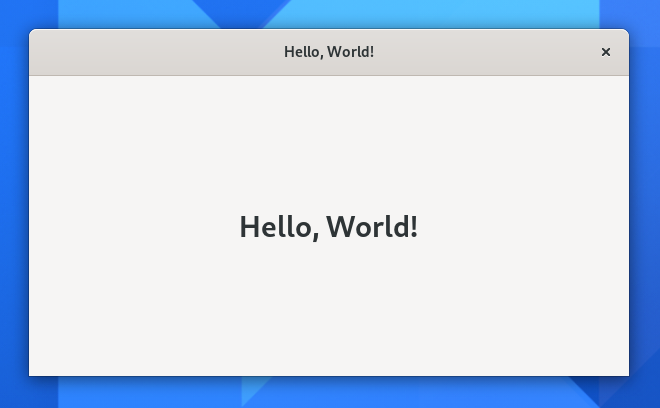
As well as images and captions
Footnotes